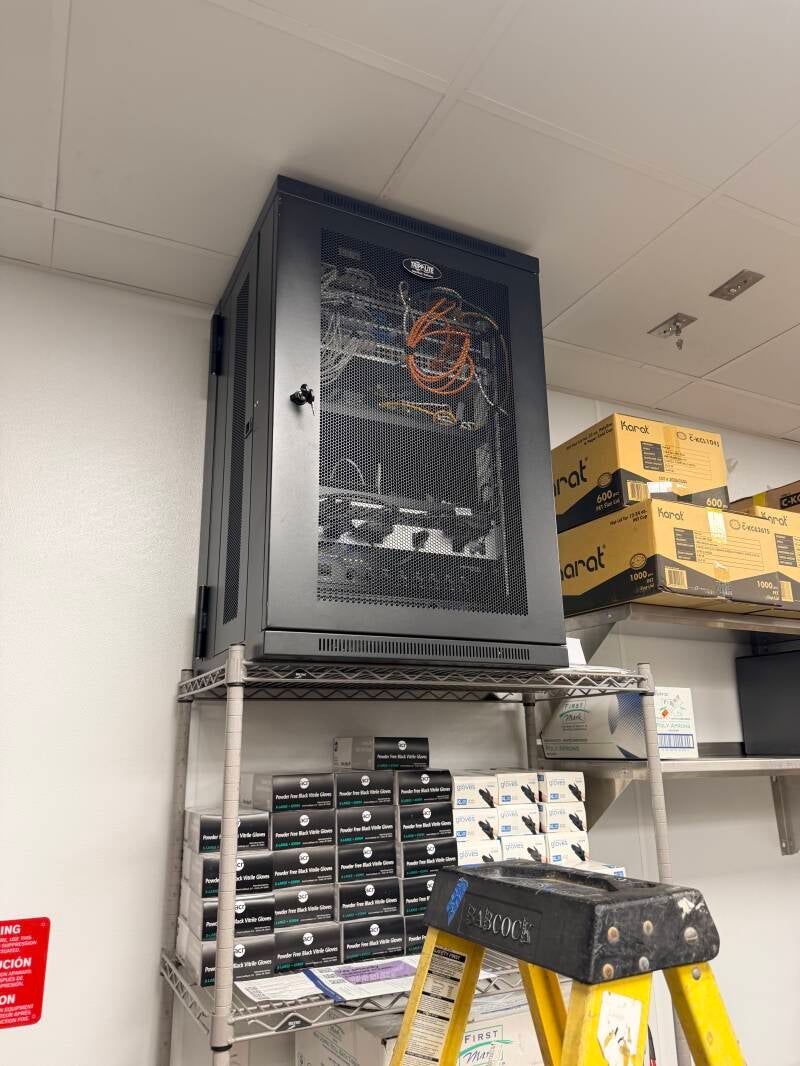
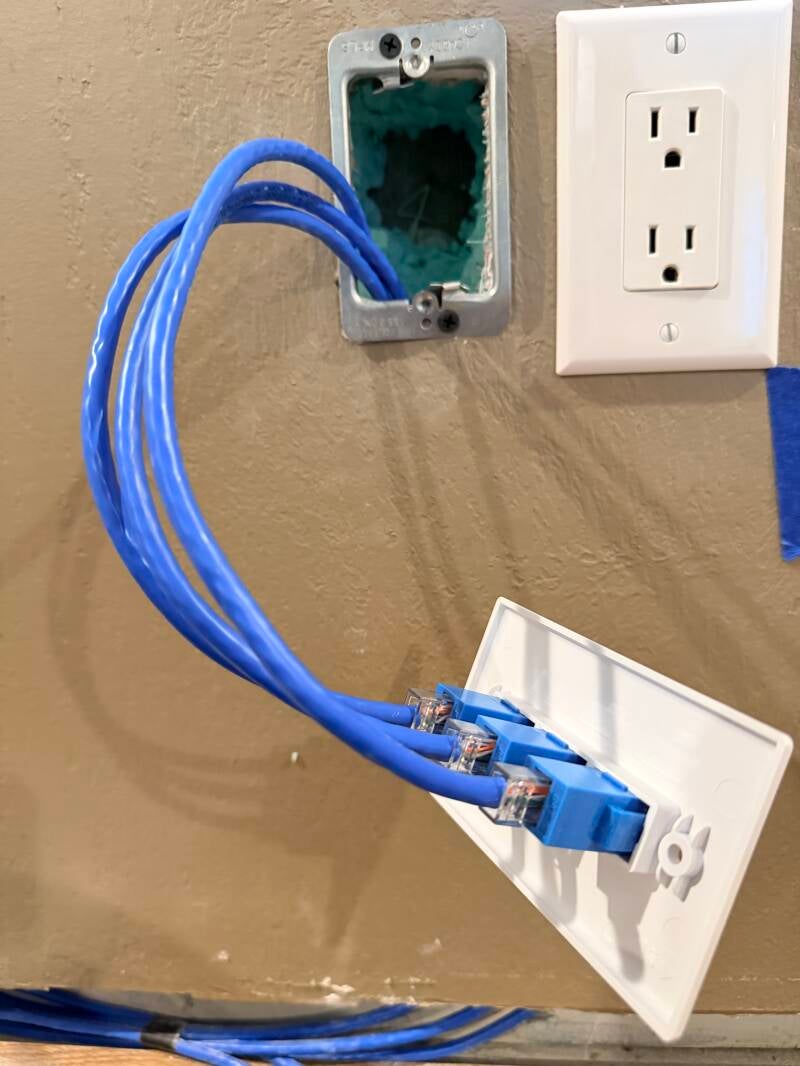
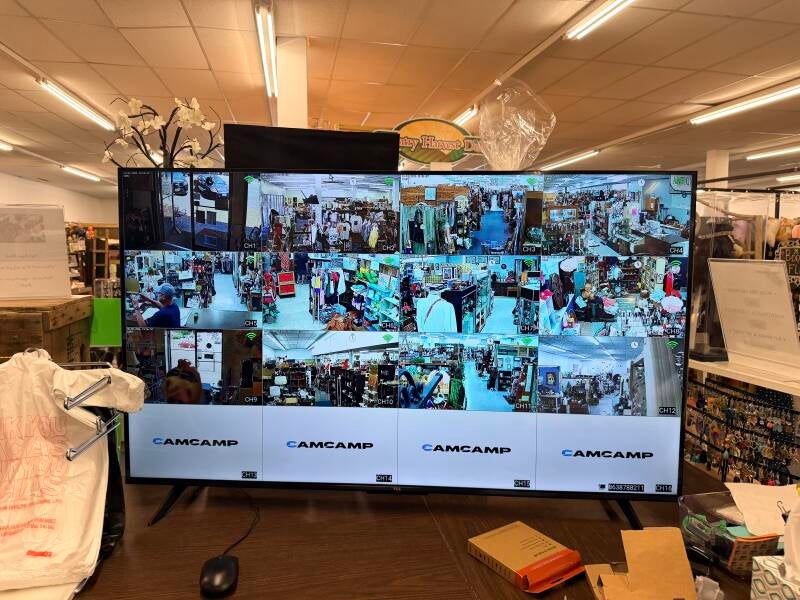
We also due whole home mesh systems along with cameras, Wi-Fi Repeaters and rooftop antennas for local channels, point to point bridge installations also run Ethernet and pre wire. We cover your whole house with a good strong internet. Local communication and electronic contractor 24/7 troubleshooting. We offer financing for Big jobs!
All Smart Home Technology from security cameras to thermostats to Mesh Systems call now to take your Home to the next level!
We know how important WiFi is to our customers. Now days more than ever staying connected to family and friends is more important than anything! We offer a Rural High Speed protection plan that covers your WiFi! Ask your installer today.
We cover Roanoke,Lynchburg,Danville,Blacksburg,Martinsville,Smith Mountain Lake,Radford,Claytor Lake,Leesville Lake and all surrounding Counties!

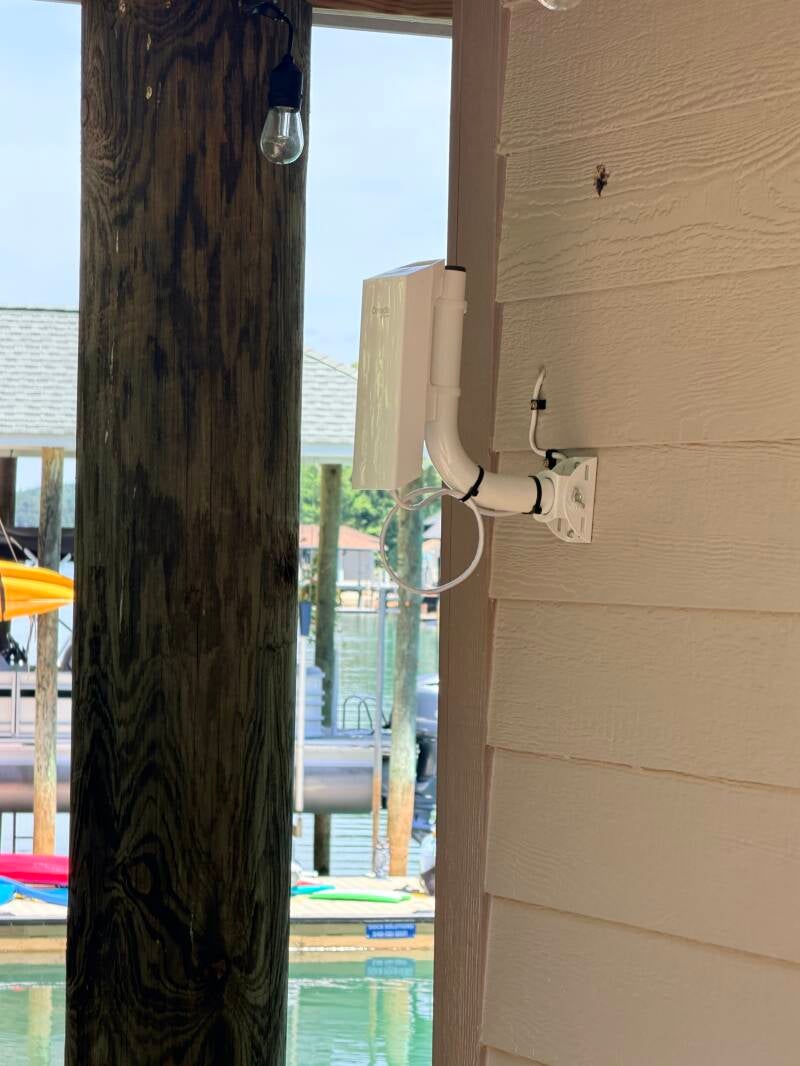
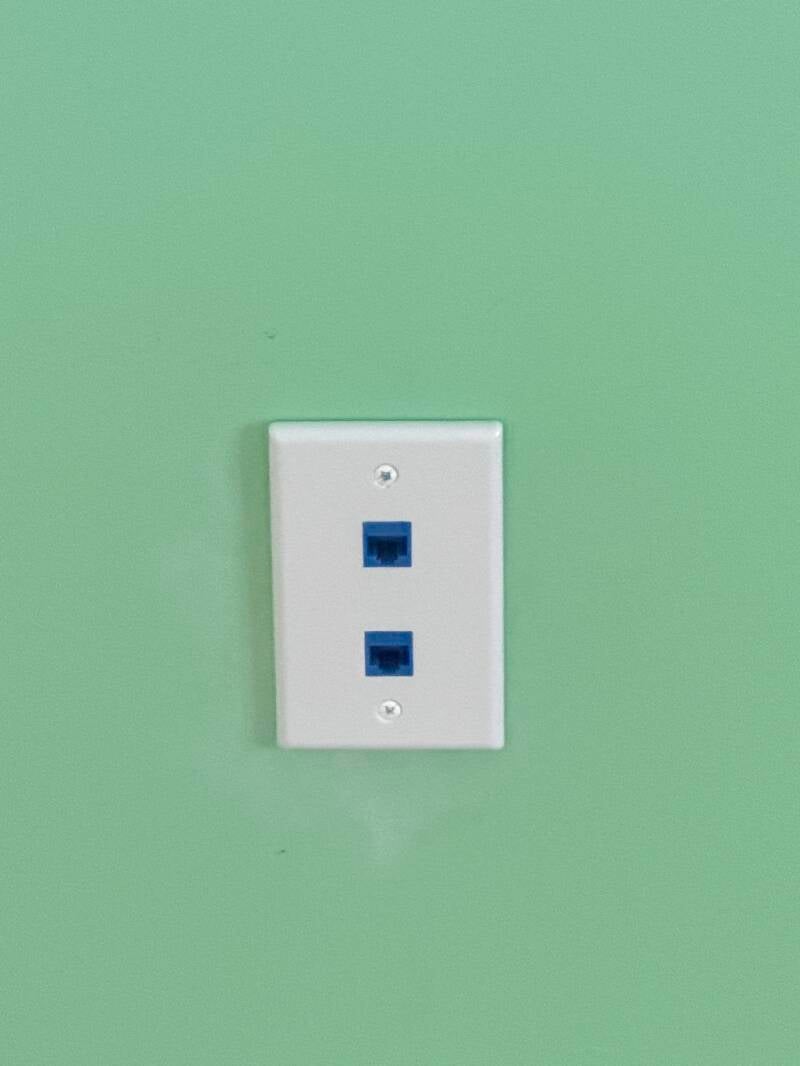

Custom Starlink Installation
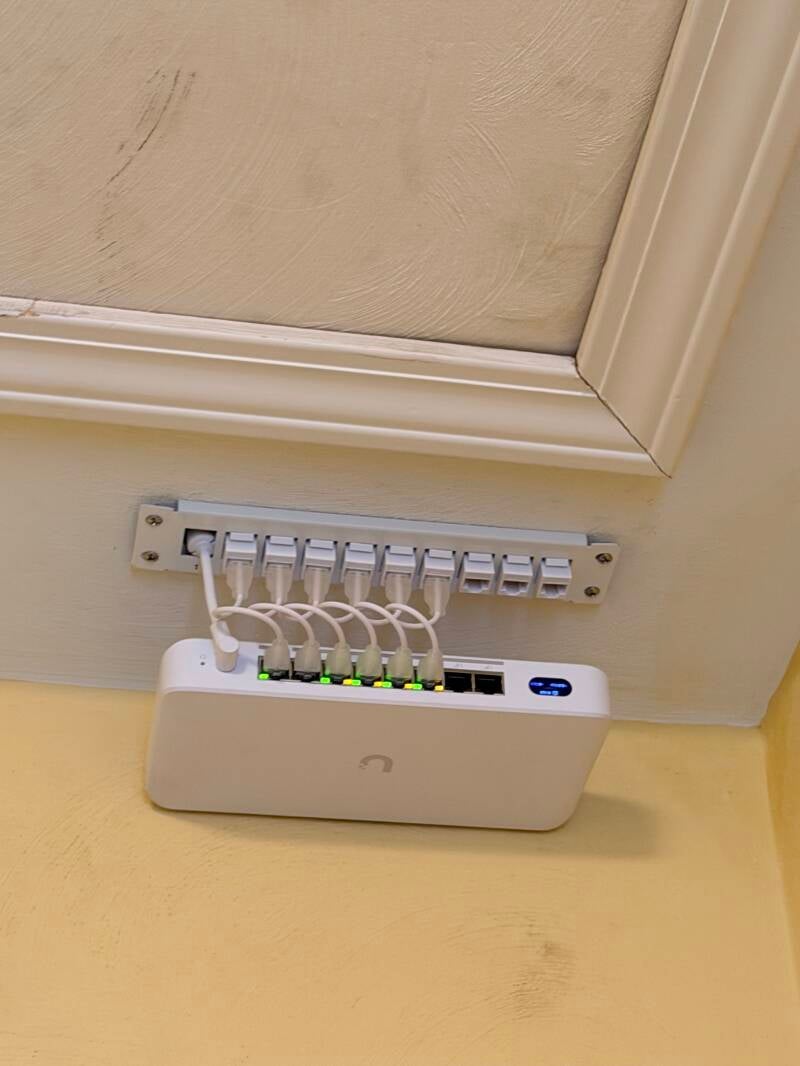
Let us bring over 28 years of experience in communications to your home to install your Starlink. Our professional installation will ensure that you get the most out of your high-speed internet service.
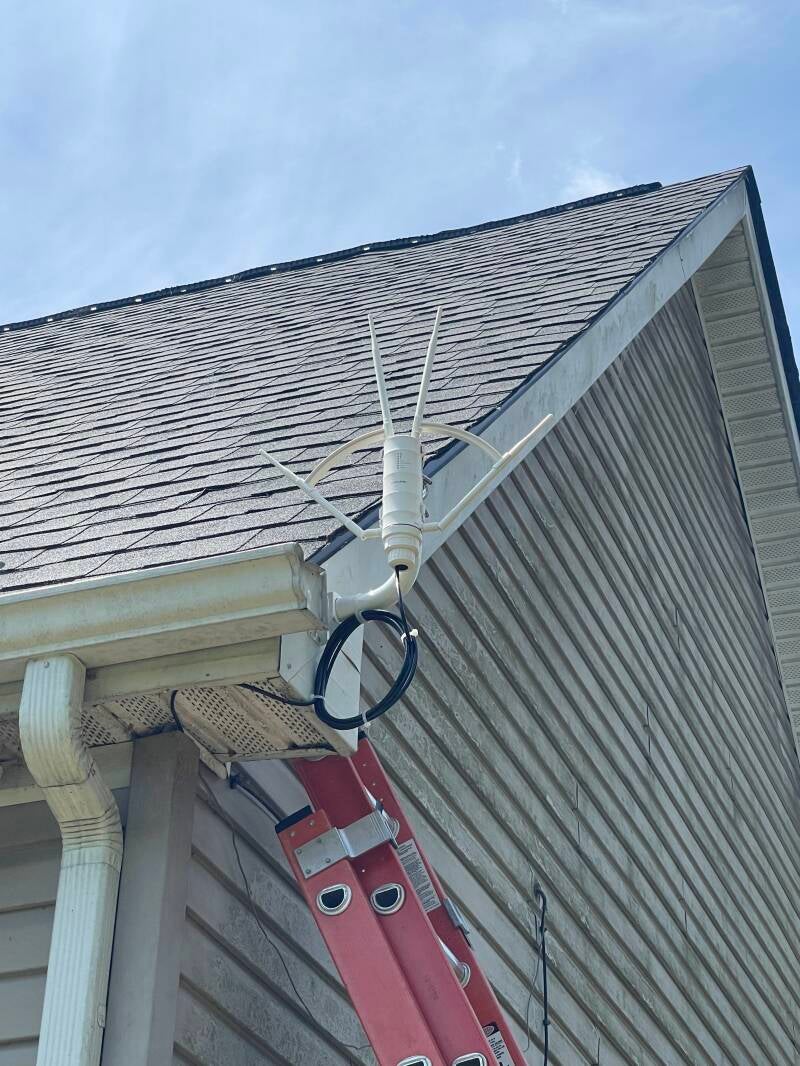

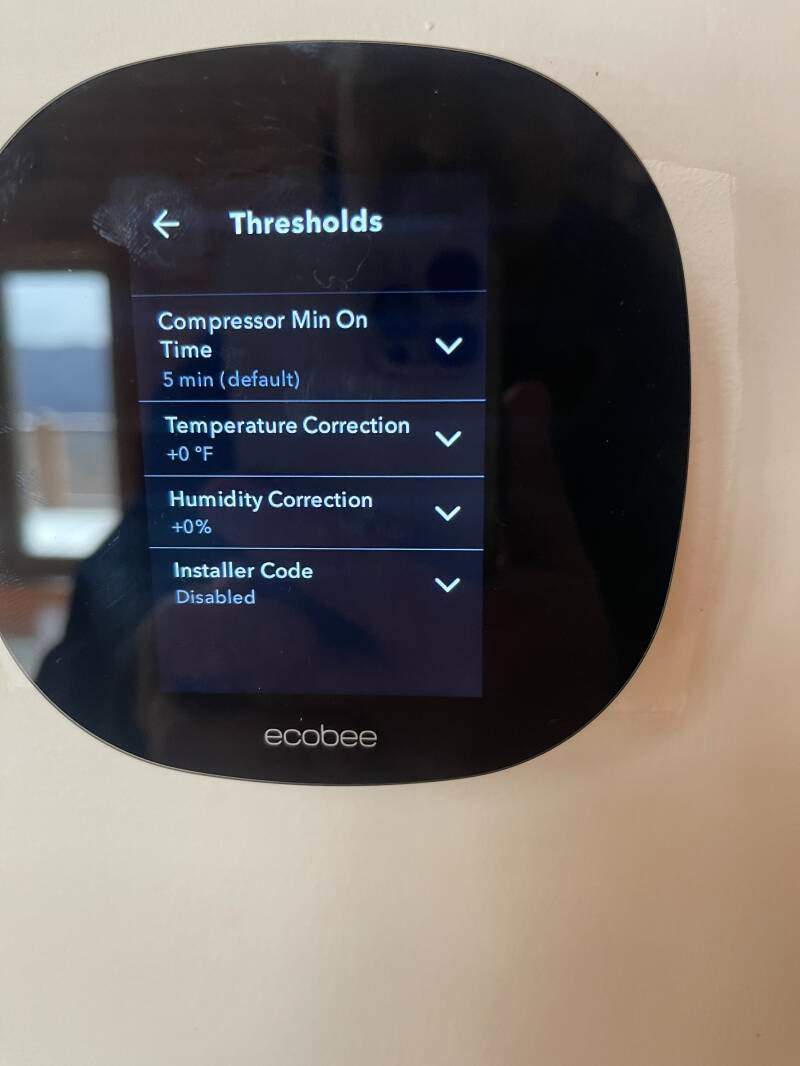
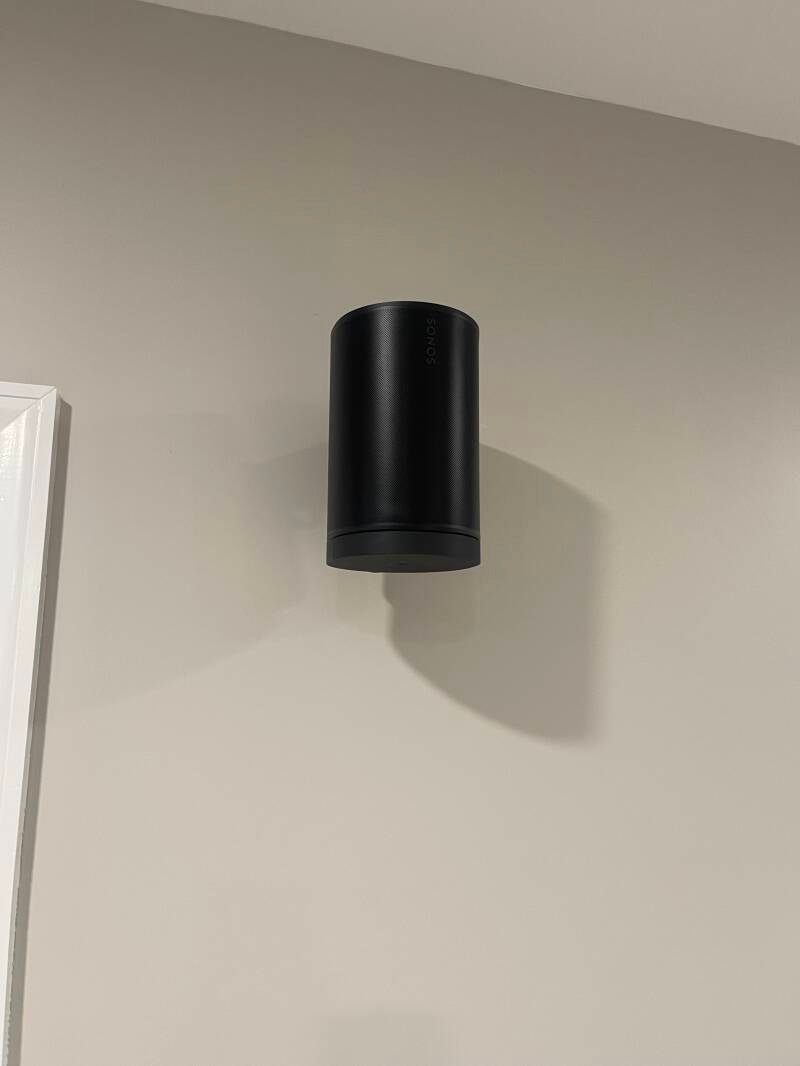
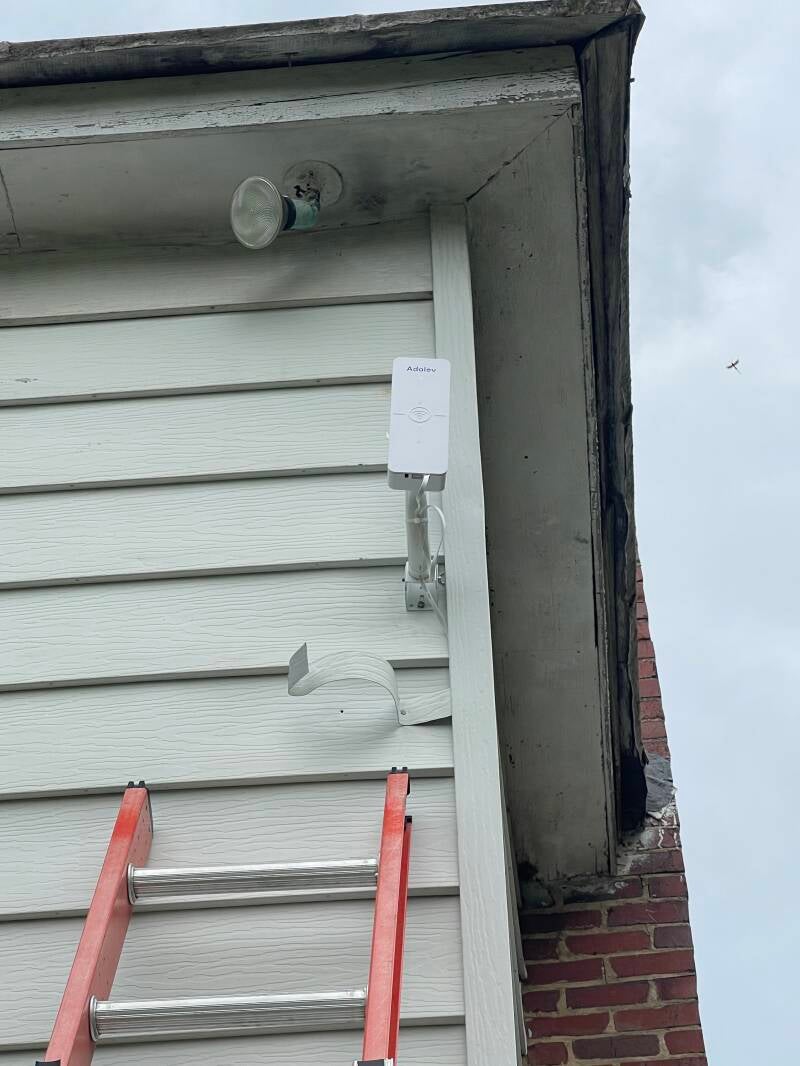


Network Setup and Troubleshooting
Our team is equipped to handle all your network setup and troubleshooting needs. We'll make sure your home network is optimized for top performance.

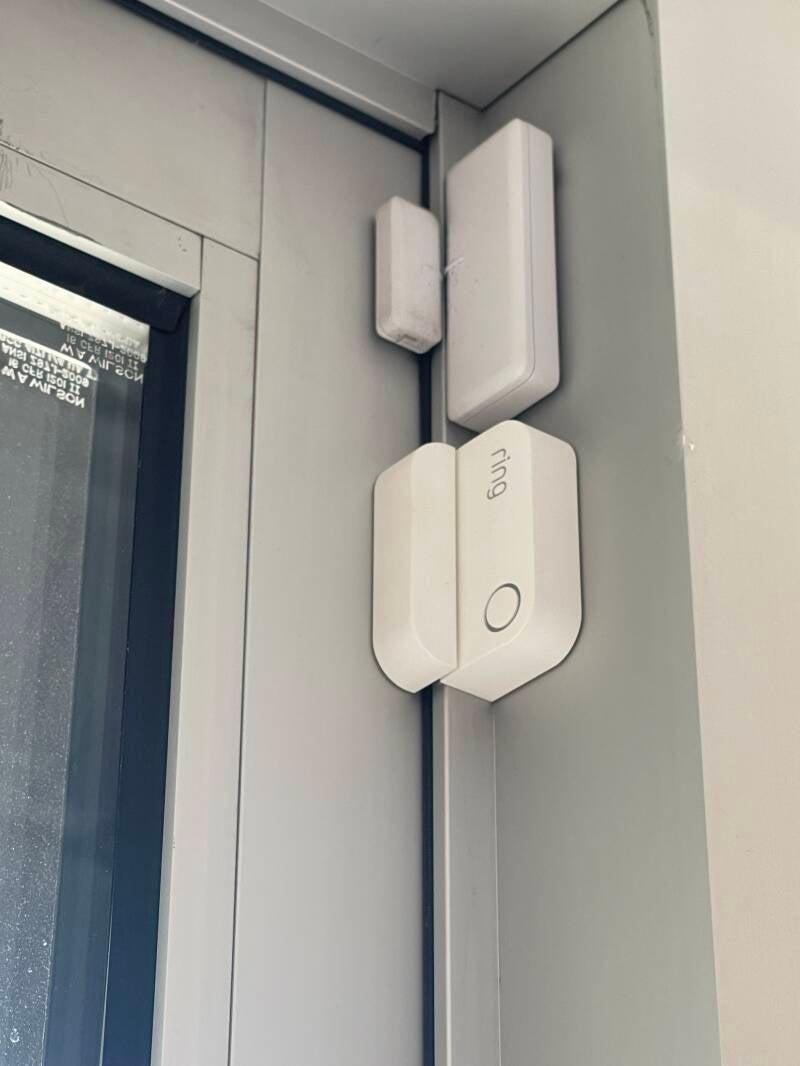


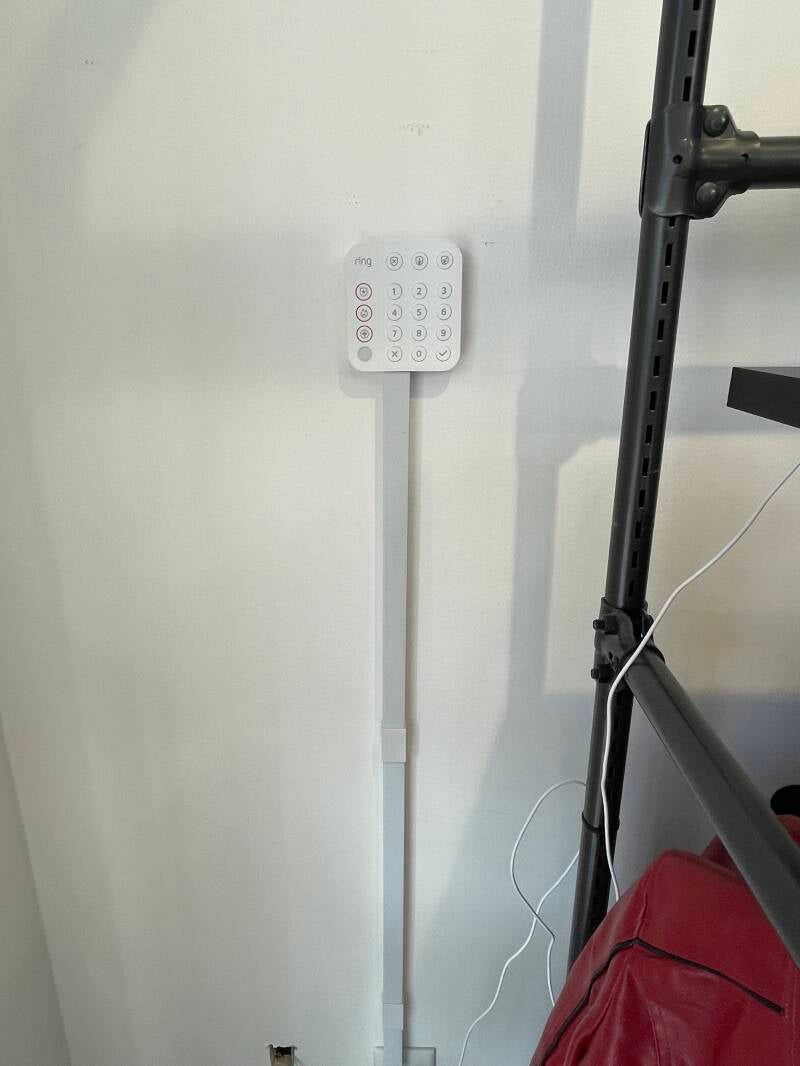
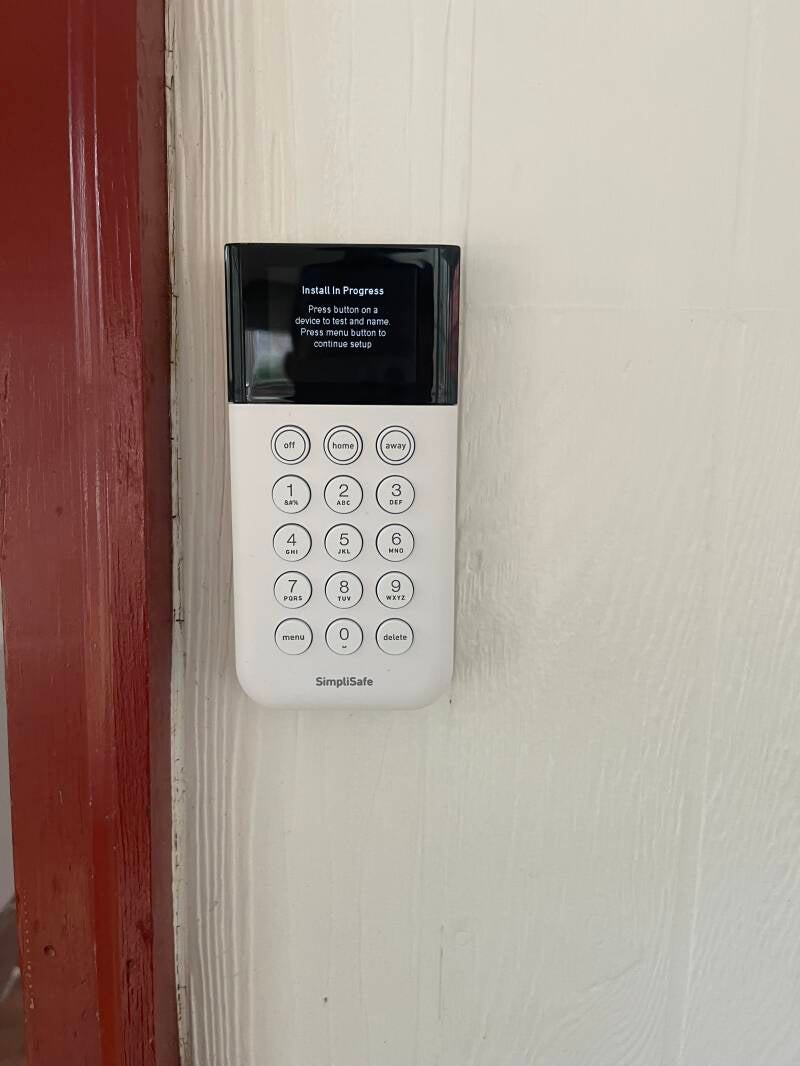
If another company tells you. No call me my almost 30 years of experience can find a resolution to ever problem! Whether it be some random Starlink installer are a local cable company. Here at Rural High Speed we spealize in problem solving.!

Custom TV Mounts and Surround Sound
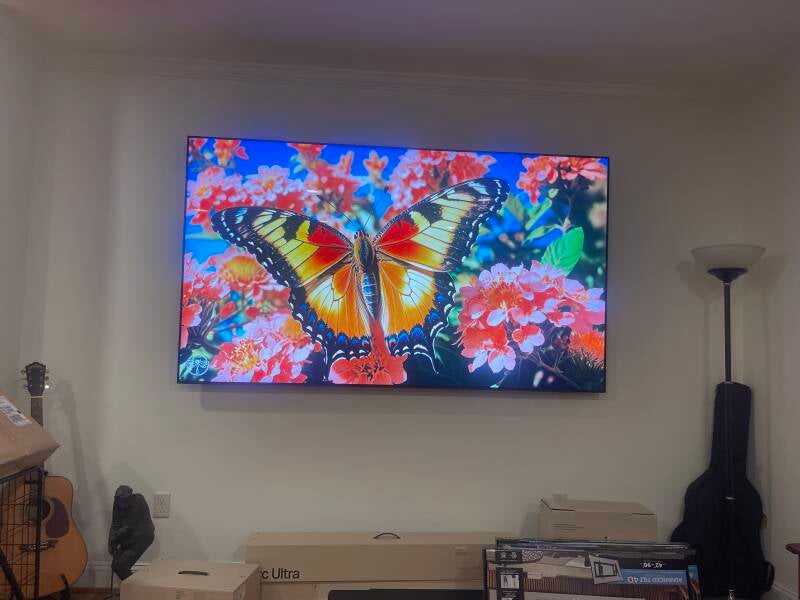
We also specialize in custom TV mounts, wall fishing, and surround sound installations. Elevate your home entertainment experience with our expert services.

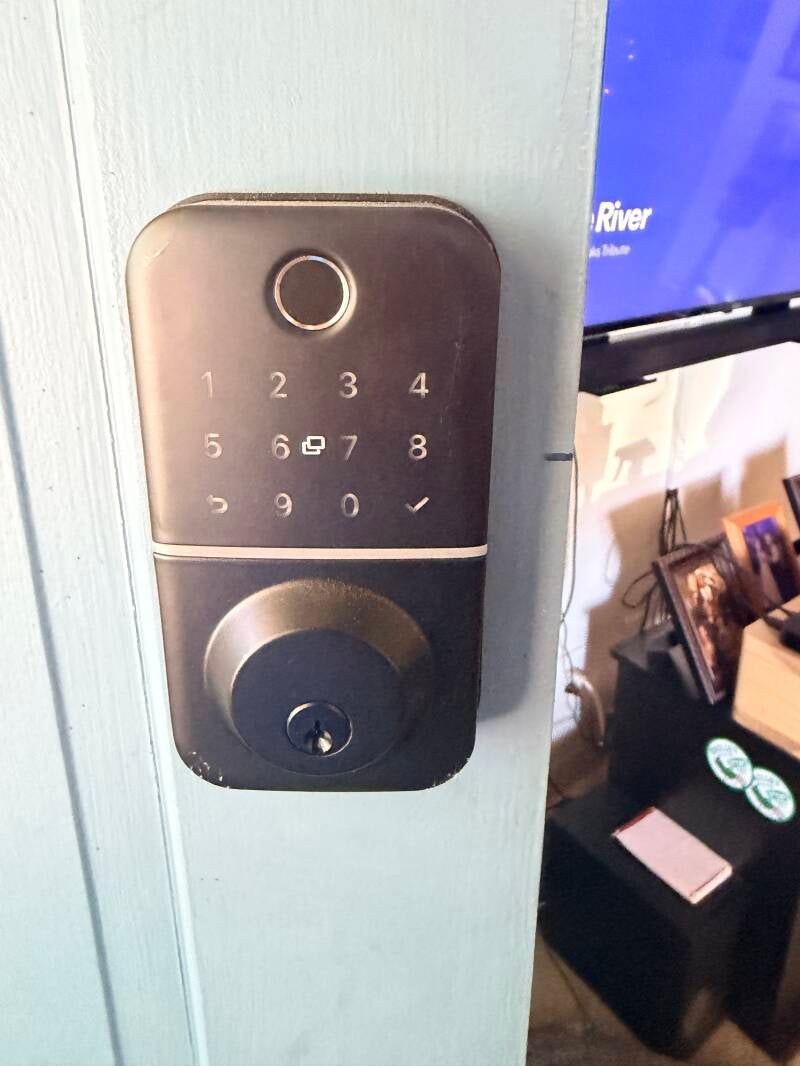
Meta description: New router but cameras and smart devices are offline? Rural High Speed explains common Wi-Fi problems and helps homeowners around Roanoke and Lynchburg reconnect.
New Router, but Your Smart-Home Devices Are Offline? Here’s What to Check
You upgrade your internet, connect your phone, and everything seems ready—until your doorbell stops sending notifications, your camera disappears from its app, or your smart thermostat shows “offline.”
That does not necessarily mean the equipment is broken. A new router, Wi-Fi password, or network setting can leave smart-home devices trying to connect to a network that no longer exists.
For homeowners around Roanoke and Lynchburg, the solution often starts with checking the home network before replacing devices.
First, confirm that the internet is working
Connect your phone to your home Wi-Fi, temporarily turn off cellular data, and try opening a website. This helps establish whether the phone is using the home connection rather than silently switching to cellular service.
Google recommends this check when troubleshooting Nest connectivity. If other devices cannot access the internet either, start with the modem, router, or internet provider—not the individual smart device.
If your phone works but one camera or thermostat does not, narrow the investigation to that device’s settings, power, and Wi-Fi connection.
Check whether the Wi-Fi name or password changed
Smart devices remember the network information entered during setup. When a replacement router uses a different Wi-Fi name or password, those devices may need to be connected again.
Google confirms that changing Wi-Fi credentials or replacing a router can require reconnecting Nest and Google Home devices. The process varies by product and generation, so follow the instructions for the exact model rather than assuming every device uses the same steps.
Before changing anything, gather:
- The new Wi-Fi name and password
- The device’s model number
- Access to the owner’s account and app
- Any setup code or QR label supplied with the device
Keep account passwords and setup codes private. If someone is helping with setup, enter sensitive information yourself whenever possible.
A newer router may need compatible settings
A modern router can work well with phones and laptops while an older smart plug, light, or camera struggles to connect.
Some smart-home devices support only the 2.4 GHz Wi-Fi band. Others may have difficulty with certain newer security settings. Ring’s setup guidance, for example, identifies unsupported encryption such as WPA3 as a possible connection problem for some devices.
This does not mean you should disable Wi-Fi security or downgrade the entire network. Check the device’s requirements first. A properly configured, password-protected network for compatible smart devices may be appropriate when the router supports it.
Test the signal where the device is installed
Strong Wi-Fi in the living room does not guarantee a dependable connection at a doorbell, garage camera, or outdoor light.
Exterior walls, masonry, distance, and router placement can affect coverage. Ring recommends checking signal strength and reducing the distance between the router and device when possible.
For a device that repeatedly disconnects, consider whether:
- The router was moved during the internet upgrade
- A mesh unit is too far from the rest of the network
- The device sits behind a dense exterior wall
- An access point could provide a better connection nearby
Buying another extender without checking placement may leave the underlying coverage problem unresolved.
Don’t factory-reset everything immediately
A restart and a factory reset are different. Restarting normally preserves settings; a factory reset may remove configuration and require a complete setup.
Some products require removal and reinstallation when changing networks, while others offer a network-change option. Check the manufacturer’s current instructions before deleting devices from an app or pressing a reset button.
Work through one device at a time. Once it reconnects, verify that its normal features work before moving to the next.
Check more than the “online” indicator
After reconnecting a smart device, test what you actually use:
- Open the camera’s live view
- Confirm notifications arrive
- Check authorized household members’ access
- Test thermostat control or lighting schedules
- Confirm recording works if your equipment and subscription include it
An “online” label is useful, but a successful real-world test is a better finishing check.
Smart-home and Wi-Fi help from Rural High Speed
Rural High Speed LLC helps homeowners with Wi-Fi networking, mesh-system setup, Ethernet wiring, and smart-home connectivity around Roanoke, Lynchburg, and surrounding communities.
If your devices stopped connecting after a router replacement or internet-provider change, call 540-819-1577 or visit Rural High Speed to discuss the equipment and connection problems. A network check can help identify what needs attention before you spend money replacing working devices.
Ready to Experience Rural High Speed?
Get in touch with us today and take your home technology to the next level!